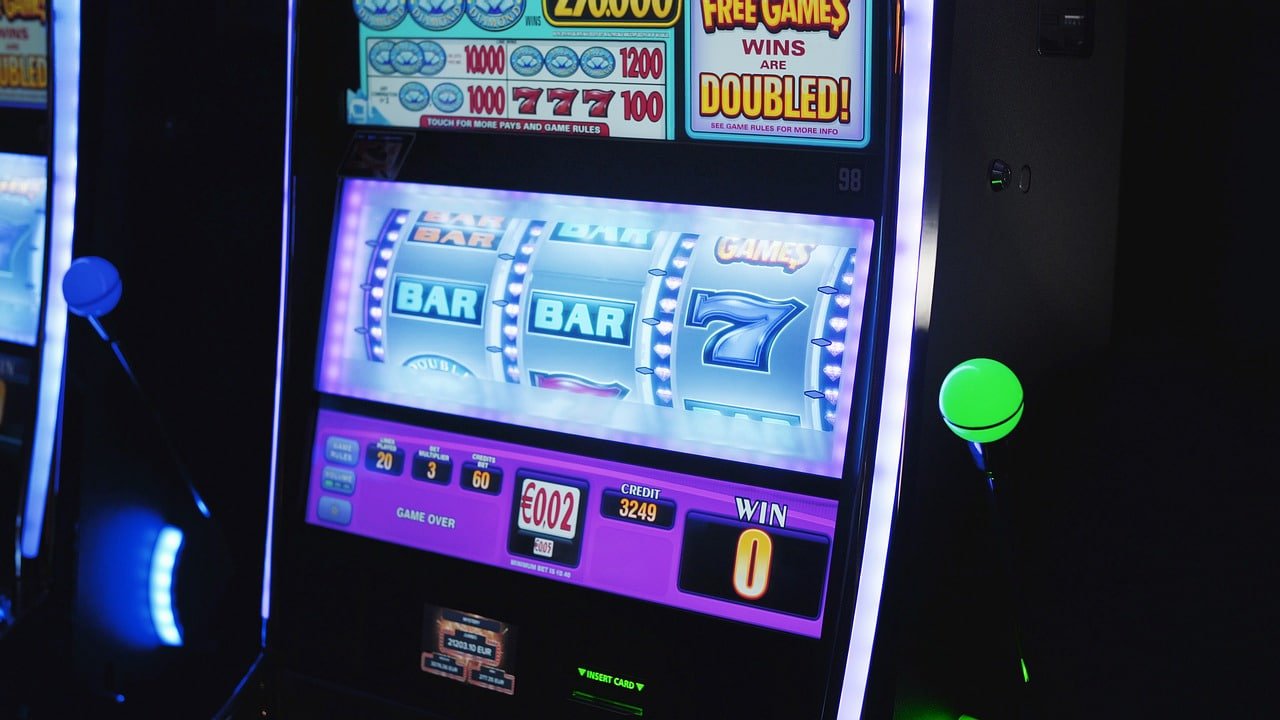
Download the jitaci app on any Android or iPhone in Bangladesh and enjoy slots, betting, and bingo. Only 45MB, works even on 3G networks.
Platform Choose
Jitaci app works equally well on both Android & iOS
Download and install the APK file directly. Works without Google Play Store. Compatible with all Android phones including Samsung, Xiaomi, Realme, OPPO.
On iPhone and iPad, add jitaci to your home screen using Safari. It works just like a native app with no need for the App Store. Compatible with all models from iPhone 7 to iPhone 16.

On Android Installation guide
Install the jitaci Android app in just a few steps. The entire process takes less than 2 minutes.
Open jitaci's official download page in your mobile browser. Tap the "Android APK Download" button.
Go to Settings → Security → Unknown Sources or Install Unknown Apps and enable it. This is a standard setting.
Go to Notifications or the Downloads folder and tap the jitaci.apk file.
Tap the Install button on the permissions screen. Installation completes in 15–30 seconds.
The jitaci icon will appear on your home screen. Tap to log in and claim your download bonus!
Always download the APK only from jitaci's official website. Avoid downloads from third-party sites.
On iPhone Installation guide
Installing jitaci on iPhone is even easier — no APK needed, install directly from Safari.
Visit the jitaci website using Safari on your iPhone. Chrome and other browsers won't work.
Tap the Share icon at the bottom center (upward arrow inside a square box).
Scroll through the Share menu to find the "Add to Home Screen" option and tap it.
Keep the name as jitaci and tap the "Add" button at the top. The icon will be added to your home screen.
Tap the jitaci icon on your home screen. It will open in full screen, just like a native app.
App Special Features
What you get in the jitaci app is also available on the website, but some features are exclusive to the app.
3x faster than web
Bonus & Match Updates
Fingerprint & Face ID
BDT 200 App Welcome
Real-time Updates
24/7 Direct Support

Jitaci app will not run on Android 5 or below, or iPhone 6 or earlier. In that case, use the website through your mobile browser.
Device Compatibility
See how well the jitaci app is supported on popular phone models.
| Device Model | Android App | IOS PWA |
|---|---|---|
| Samsung Galaxy A / M Series (2020+) | Full Support | Android |
| Xiaomi / Redmi (MIUI 11+) | Full Support | Android |
| Realme / OPPO (Android 8+) | Full Support | Android |
| IPhone 12 / 13 / 14 / 15 / 16 | iOS | Full Support |
| IPhone 7 / 8 / SE / X / 11 | iOS | Full Support |
| IPad (5th Gen+) | iOS | Full Support |
| Walton / Symphony (Android 7+) | Partial | Android |
| Older Phones (Android 5 / iOS 12) | Unsupported | Unsupported |
* Partial support means core features work, but graphics may be lower quality.

Smartphones are now an essential part of everyday life for people in Bangladesh. From waking up to grocery shopping, office work, entertainment – everything is now on mobile. Online gaming is no exception. jitaci Keeping this reality in mind, jitaci has built a powerful mobile app that works in any environment and on any network in Bangladesh.
Many people wonder: is downloading a mobile app safe? Especially when the app isn't on Google Play Store and you need to install an APK. This is a completely valid question. Let's find out in detail.
Jitaci's APK file is scanned by international cybersecurity firms before each release. It's tested on VirusTotal across over 70 antivirus engines. Result: zero malware, zero spyware. Download with confidence.
However, there's one important condition – always download only from jitaci's official website. Various third-party sites offer fake APKs that may contain malware. Stay cautious.
Enabling Unknown Sources means you can install APKs from sources other than Google Play Store. This is not inherently dangerous. The risk comes only when you download APKs from untrusted sources.
Downloading the official jitaci APK is completely safe. After installation, you can turn off Unknown Sources — the app will continue to work, but you'll prevent other untrusted APKs from being installed in the future.
Progressive Web App (PWA) technology is now highly mature. jitaci's PWA version uses the Safari browser engine, which offers maximum compatibility with iPhone hardware. Once added to your home screen, it opens in full-screen mode without the address bar and can access all phone features (camera, vibration, notifications).
On iOS 16.4 and above, jitaci PWA can also send push notifications. That means you'll get notifications directly on your iPhone before a match starts, when new bonuses arrive, or when your bet results come in.
Jitaci app is very data-efficient. Standard slot games use only 15–25MB per hour. Live Betting uses more, around 30–50MB per hour. Bingo games use about 20–30MB per hour.
The app includes a Low Data Mode to save data. When enabled, graphics quality is slightly reduced but gameplay remains smooth. This mode is extremely helpful in rural areas or on weak networks.
Jitaci app has special focus on battery optimization. On a standard battery phone (4000mAh), you can run jitaci continuously for 3–4 hours. When running in the background, battery usage is virtually zero.
When jitaci has a new update, you'll receive a push notification automatically. There's also a "Check for Update" option in Settings. On Android, just download the new APK and install it over the old one — you won't need to log in again and all your data will be saved.
Jitaci typically releases updates 2–3 times a month. Updates include new games, performance improvements, and security patches. Always using the latest version is recommended.
If you face any issues with download or installation, contact jitaci's live chat support. We're available 24/7.
Download FAQ
Answers to the most frequently asked questions about jitaci app download
Register, download the app, and claim your exclusive bonus on first login.
Virus-free · Official · For 18+ years only